
Phone · tablet
Android
Install the signed APK directly. The same native app is also prepared for Google Play release tracks.
Checking the signed beta channel…
Download
Free during the current beta — no card required. Paid plans are coming later, and early users who sign in can keep managed Relay included (pricing details).
detected — we highlighted your platform
Native mobile apps
Launch agents, watch live work, answer attention requests and continue the exact same sessions from Android, iPhone or iPad.
Phone · tablet
Install the signed APK directly. The same native app is also prepared for Google Play release tracks.
Checking the signed beta channel…
Phone · tablet
Use the native iOS and iPadOS app through TestFlight while the App Store rollout is prepared.
TestFlight distribution · no public IPA download
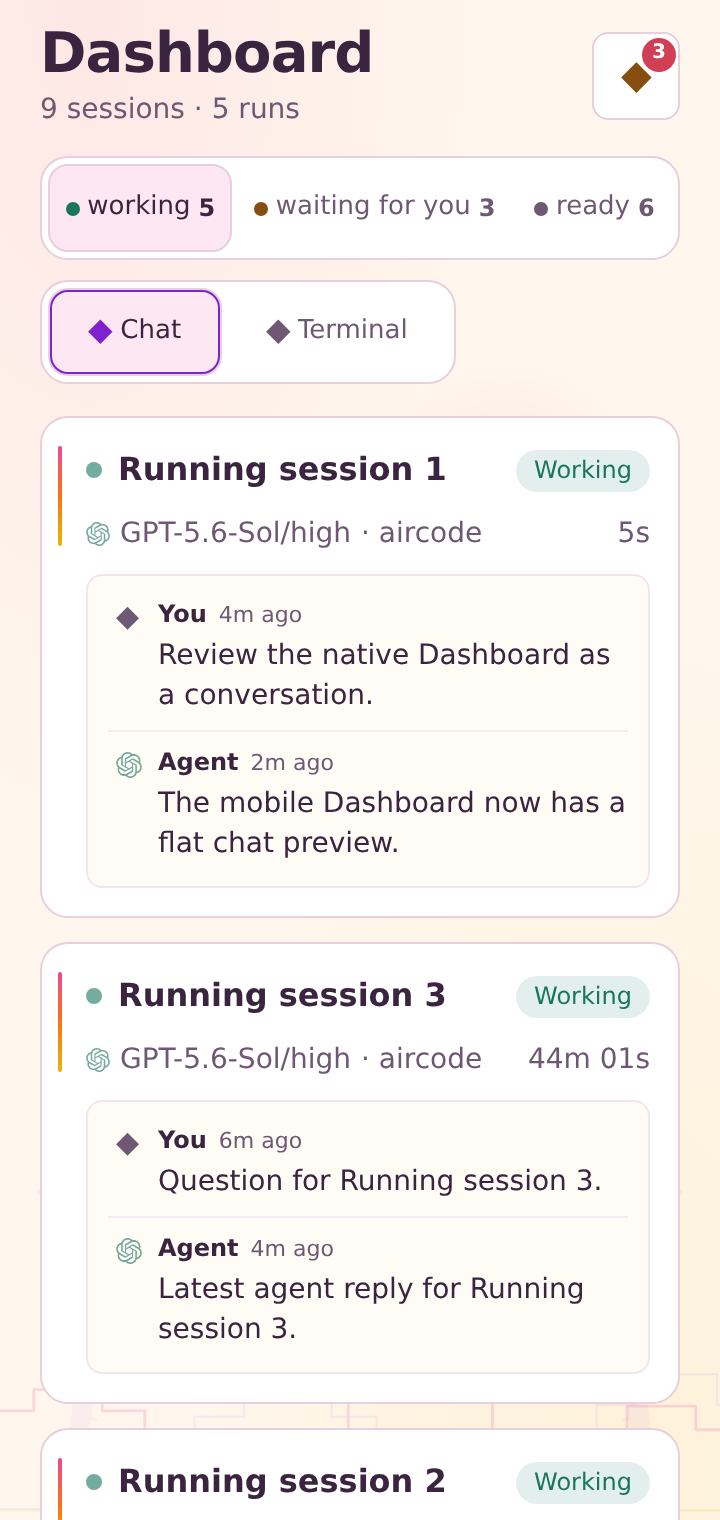
Web app · iPhone, iPad & Android · No app store required
The installable web app connects directly to your own AirCode Ø instance. It stays available even when a native Store release is unavailable, and it is independent of the signed release manifest on this page.
The canonical setup: AirCode Ø on a VPS, homelab or workstation — every browser, desktop and phone becomes a client.
$ Checking the signed beta channel…Installs to ~/.aircode, adds aircode to your PATH, verifies checksums and signatures. Then:
$ cd /srv/workspaces
$ aircode start # port + password + systemd crash/reboot recoveryChecking the signed beta channel…
Desktop app with the full local server embedded. Choose a portable AppImage or a Debian package.
Recent glibc distribution
Checking the signed beta channel…
Desktop app with the full server embedded — local sessions plus remote servers in one window.
macOS 13+ · Developer ID and notarization required
Checking the signed beta channel…
Desktop app with the native server embedded. Run your sessions on this machine, or connect to any remote server.Compare client and server modes.
Direct installer warning: Windows may display “Windows protected your PC.” Review the illustrated steps before downloading.
Windows 10 1903+ / 11 x64 · no WSL required
Checking the signed beta channel…
Optional execution backend
Keep AirCode Ø on the host, then run each selected Codex session in its own constrained worker. The Web, Desktop and native mobile launchers all expose the same Local / Docker choice.
aircodezero/session-runtime:preview is public for amd64 and arm64.
$ docker pull aircodezero/session-runtime:preview
$ AIRCODE_DOCKER_IMAGE=aircodezero/session-runtime:preview aircode
Integrity
Every release ships .sha256 and .sig files. The command-line installer verifies checksums and Ed25519 signatures automatically; direct desktop downloads are listed in the same signed release manifest. SetAIRCODE_REQUIRE_SIGNATURE=1 to make command-line verification mandatory.
$ curl -fsSLO https://dl.aircodezero.com/releases/<version>/<file>.sha256
$ sha256sum -c <file>.sha256
Staying current
Versions install side by side; switching is atomic and--rollback is instant. Running sessions live in tmux — they are never killed by an update.
Details in Updates & channels.
$ aircode update --check     # what's new
$ aircode update             # apply — sessions preserved
$ aircode update --rollback  # instant switch back
Good to know
AirCode Ø is more than a thin desktop shell. It includes the local server, the desktop runtime and several tested native agent CLIs, so local sessions can start without a chain of first-run downloads. That self-contained setup accounts for most of the installed footprint; the exact size varies by platform and release. Provider sign-ins and usage still stay with the accounts you configure.
Direct Windows installer
The Microsoft Store version is recommended and does not show this warning. The direct beta installer is not yet code-signed, so Microsoft Defender SmartScreen may stop its first launch. Only continue when the file was downloaded from aircodezero.com.
Keep Windows security enabled. If “Run anyway” is unavailable, your device policy blocks unsigned apps. Use the Microsoft Store version or contact your IT administrator.