Git built into the workbench
Review status, diffs and branches next to the conversation that produced them.
See the Git review workflow →The next-generation IDE for coding agents
AirCode Ø brings every repository and coding agent into one interface on the machine you control. Instead of keeping one IDE window open per repo, see every project and persistent session together — then continue from web, desktop, mobile or the CLI.
See AirCode Ø in actionExplore use cases
Available beta · self-hosted control plane. Set up the host once, then launch and control sessions from whichever client is in front of you.
Hundreds of three-dimensional cubes travel through space and first assemble into the AirCode Ø ribbon, then into procedurally generated symbols and infrastructure. Each completed sculpture rotates automatically and can be dragged to inspect it.
One command to start
Run AirCode Ø on the machine that holds your repositories. Open the URL it prints and your projects, agents and persistent sessions are ready from any screen.
Read the 2-minute quickstart →$ aircode
AirCode Ø — server ready
Local http://127.0.0.1:7860Product walkthrough
See how a session moves from launch to agent work, notification and takeover — across web, desktop and mobile.
Desktop · web · mobile
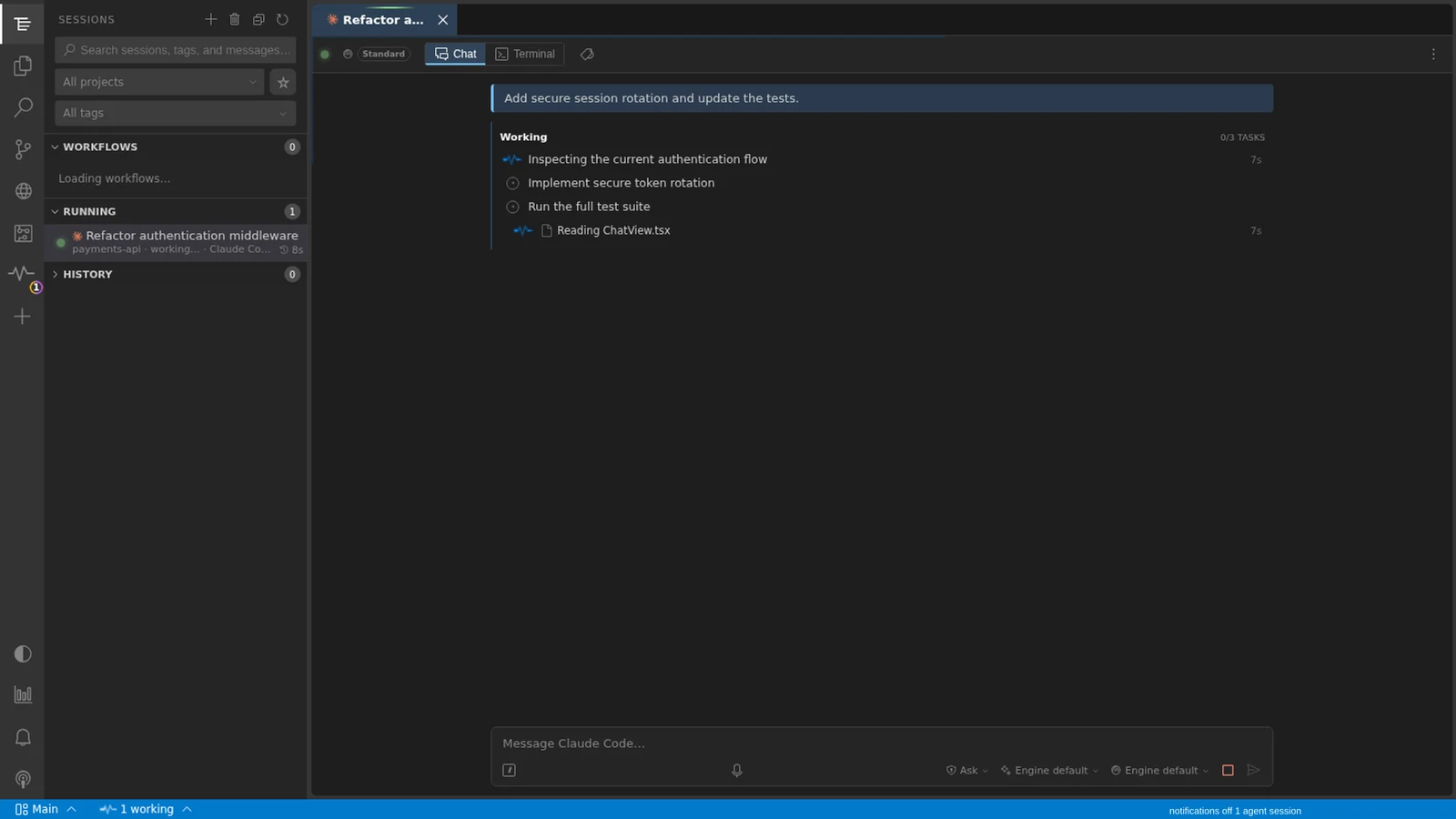
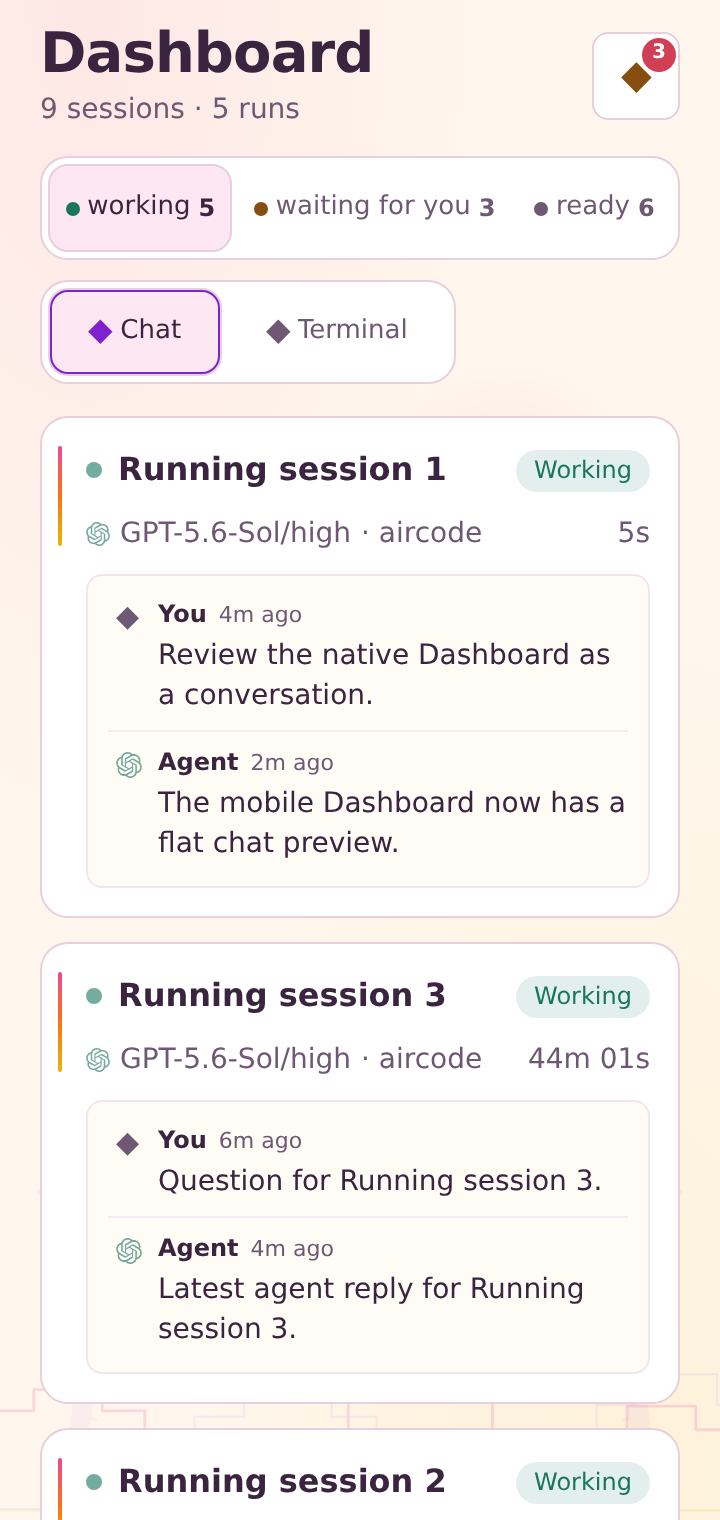
The desktop app, web app and mobile app stay connected to the same live session on your AirCode Ø host. Start on any client and see its state update across the others in real time.


Open a project and start an agent from web, desktop, mobile or the CLI.
new sessionAirCode Ø keeps the session alive on your own machine, even after every client is closed.
workingWhen input is needed, AirCode Ø can notify your browser, desktop, Android, ntfy or Slack.
response neededAnswer from one screen and reopen the same chat, terminal, files and diff on another.
same stateEngine-agnostic · multi-provider
The engine is the coding-agent CLI. The provider supplies its API and models. AirCode Ø keeps those choices separate so each task can use the combination that fits.

Multi-repository workbench
Keep ten repositories and their agents visible without juggling ten IDE windows. Run Claude Code, Codex, Antigravity CLI, Grok Build and Kimi Code side by side, then choose any provider and model exposed by your configured accounts — including frontier models.

Beyond chat
Inspect what changed, audit project health, plan focused work and queue the next prompt — then keep going through a provider usage limit and through a dead network, on every client.
Review status, diffs and branches next to the conversation that produced them.
See the Git review workflow →Search files, conversations, notes, decisions and dependencies across connected projects.
See the Knowledge workflow →Let an agent inspect a page, then take control for logins, approvals or other sensitive steps.
See a complete agent workflow →Audit instructions, planning, commands, tooling and security, then review concrete AI-assisted improvements.
Deterministic check · optional AI analysisTurn a sprint, hotfix or investigation into a bounded task workspace without adding noise to the repository TODO.
Explore Focus Plans →Hold a prompt or schedule a launch for later; delivery waits for the target session’s safe input window.
Send later · scheduled launchesA rolling 5-hour or weekly provider quota ends the turn mid-task. AirCode Ø keeps the prompt the limit swallowed and sends it back the moment that window reopens — from your host, with no client open, nothing retyped and no alarm set.
Download selected sessions and workspace data to your phone, browser or desktop app. Read and search conversations, keep writing messages and starting sessions with no network at all, then let the queue deliver them by itself once the connection returns — with revision and conflict checks.
Also included: audited workflows, usage accounting, token optimization and project file editing.
Why AirCode Ø
Compare the features that matter after the first prompt: agent choice, control-plane ownership, complete clients and the workbench around every persistent session.
| Feature | Most completeAirCode ØAirCode Ø | Claude Remote ControlClaude RC | CursorCursor | HappyHappy | WarpWarp |
|---|---|---|---|---|---|
| Six agent CLIs in one control plane | |||||
| Self-hosted control plane and session state | |||||
| Web, desktop, mobile and CLI clients | |||||
| Persistent local sessions | |||||
| Chat, terminal, files and Git across clients | |||||
| Knowledge graph with traceable sources | |||||
| Shared browser with human takeover | |||||
| Cross-agent usage accounting |
AirCode Ø is the only product here with full support across every feature shown.The detailed matrix adds provider controls, audited workflows and isolated runtimes.
See all 12 features →How it works
Use the desktop app or run AirCode Ø from a project root. No external database service is required, and Docker remains optional.
Use your local network, Tailscale, a custom relay or the managed AirCode Ø relay with its QR and deep-link flow.
Every client can reach the same projects and sessions while execution remains on the host.
Clear trust boundary: AirCode Ø self-hosts the control plane and session state. Your agent CLI still communicates with the provider you configure. Remote connectivity is your choice. Review the remote-access options →
Use cases
Eight narrated workflows now live in one structured guide, from launching parallel agents to publishing an app people can install.
Keep projects and their agents in one interface instead of juggling a separate IDE window for every repository.
Open workflow →02OperationsMonitor working, waiting and ready sessions, inspect their latest return and reopen the exact task.
Open workflow →03Repository evidenceInspect the repository working tree and exact line changes beside the coding-agent session that produced them.
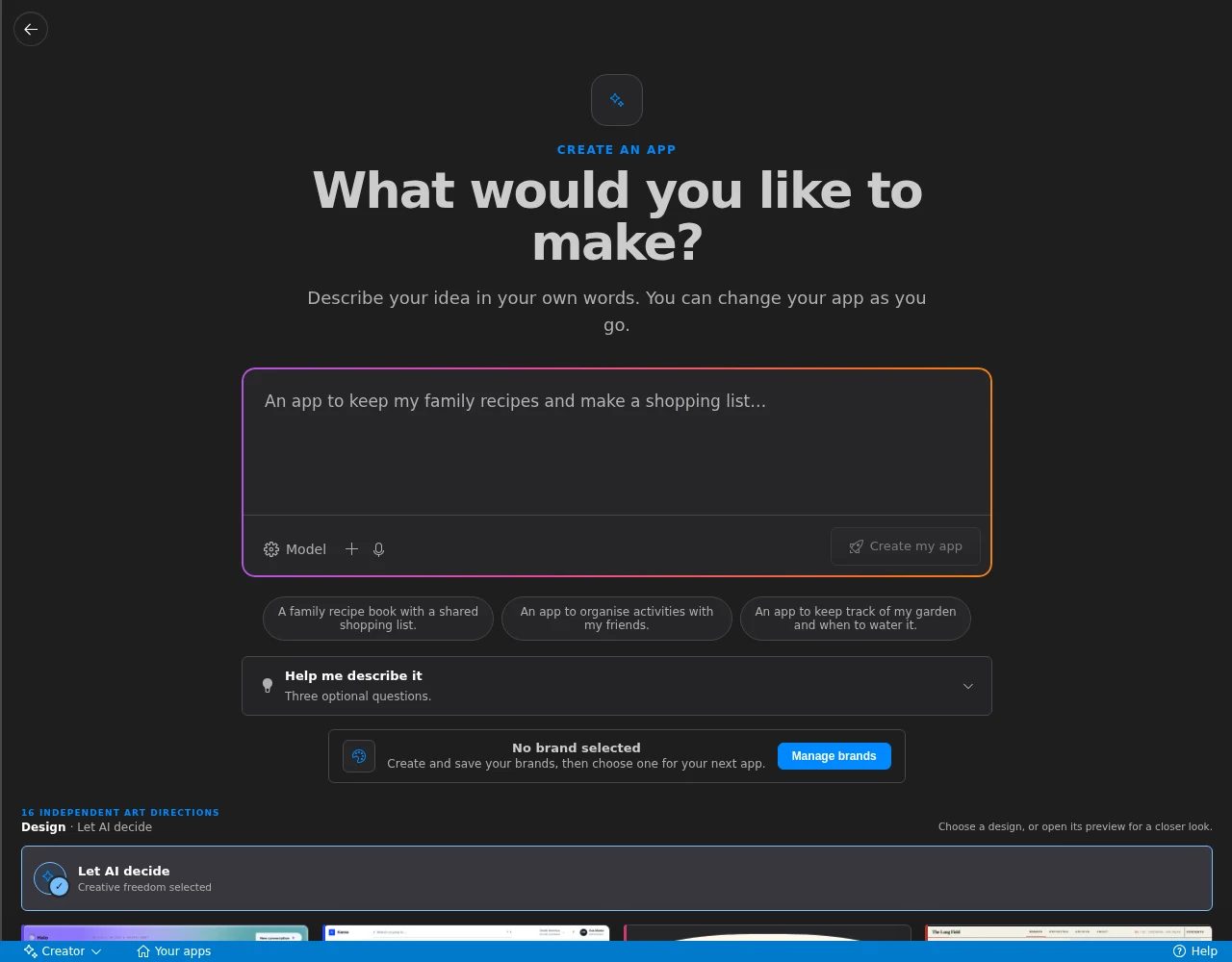
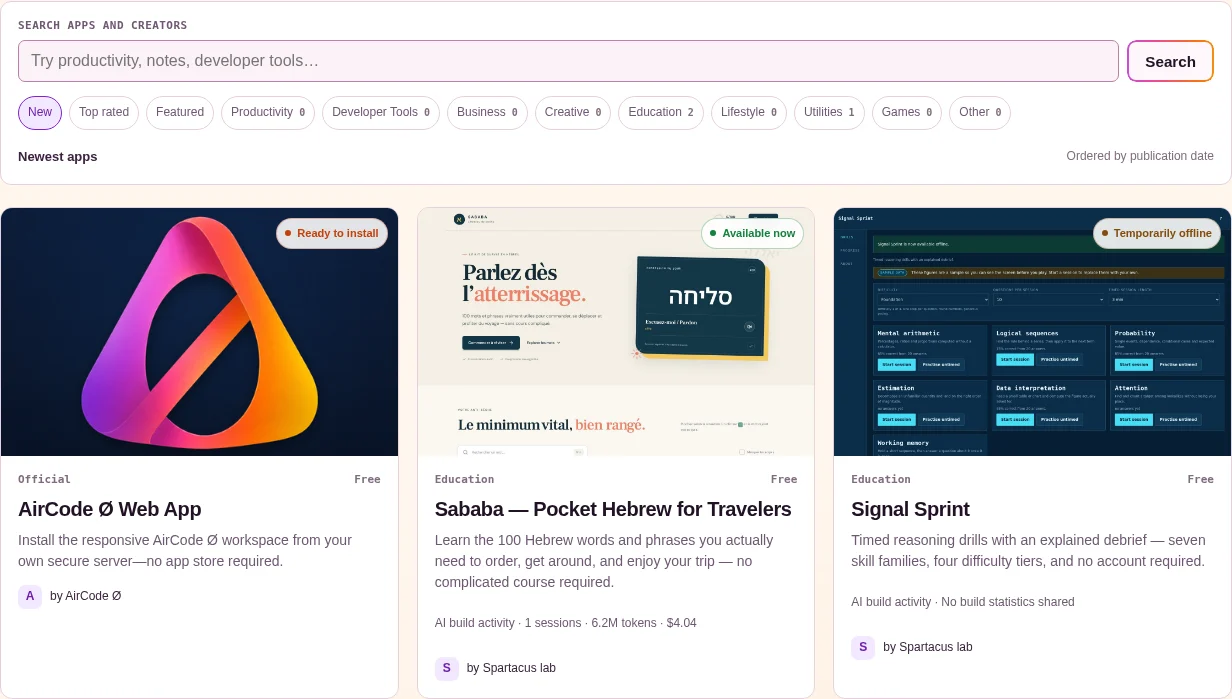
Open workflow →04Build & distributeTake a verified app from the workbench to phones, tablets and AirCode Ø Marketplace through one guided product flow.
Open workflow →Available beta
Launch from the screen you have. Continue on the screen you want.
View available downloadsRead the quickstart
Download links come directly from the matching signed release manifest.